Pamela Anderson nude pictures (or maybe a sig shop)
Posted: Mon Mar 23, 2009 1:54 pm
I`ve decided to start making sigs again after 2 years.
If someone likes a template from these and wants a similar sig, let me know.
Here`s what i made so far.
All critics apreciated.
Freestyle:
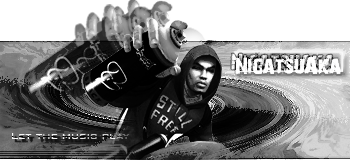
Details: render from somewhere on google... background by myself.
----------------------------------------
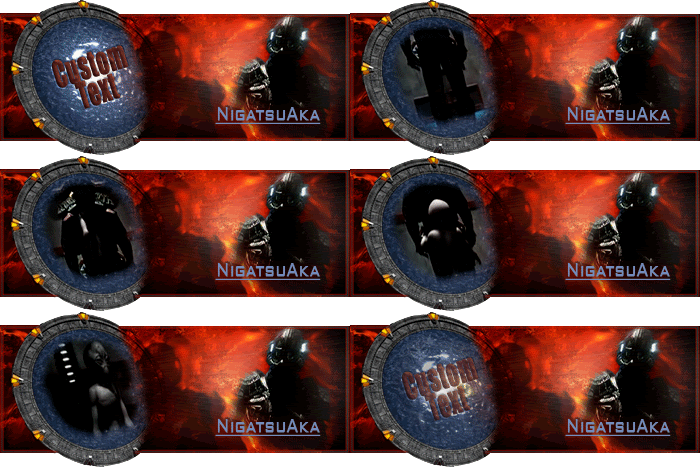
Sokars revenge:
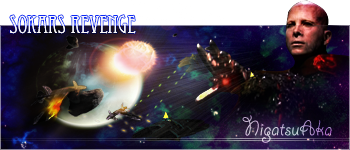
Details: The ships, Sokar and the rocks of the asteroids have been rendered by myself from different images from google. The planets and the space scenery have been created by myself and where inspired after 2 photoshop tutorials: the planet tut from this forum, the impact of the planets after another tutorial.
Here`s the enlarged space scenery (the initial scenery is 1500x1000 pixels wide and didn`t had the motherships battle in it):
[spoiler]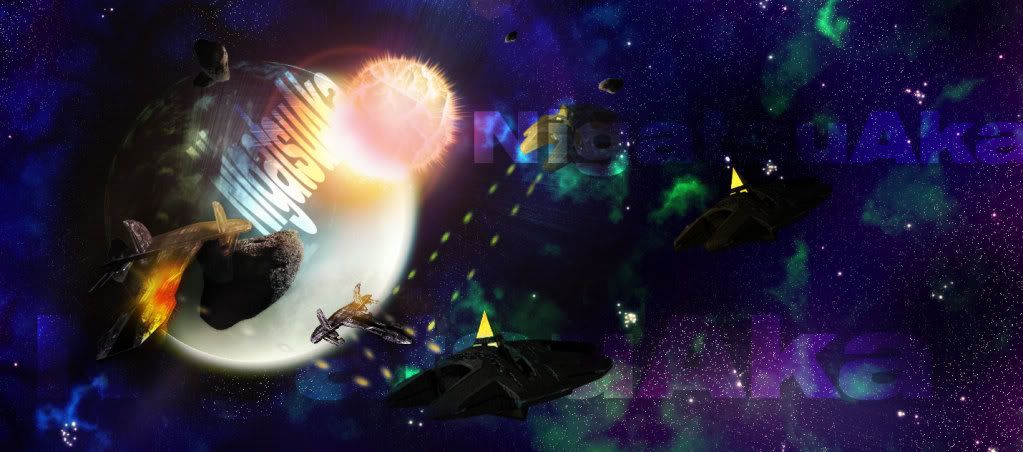 [/spoiler]
----------------------------------------
Born Assassin:
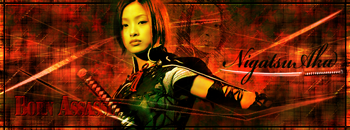
Details: Made entirely from scratch. The character and the katana under the name were rendered by me from 2 images from the japanese movie: Azumi. Azumi is a female assassin raised from the childhood and trained to become an assassin to kill the emperor. It is played by the japanese singer and actress Aya Uetsu.
----------------------------------------
Aeon:

Details: Made entirely from scratch, except for the 2 Charlize Theron images from the movie Aeon Flux.
Brunette Charlize ftw...
----------------------------------------
Haydens meets the lost tribe... lol:
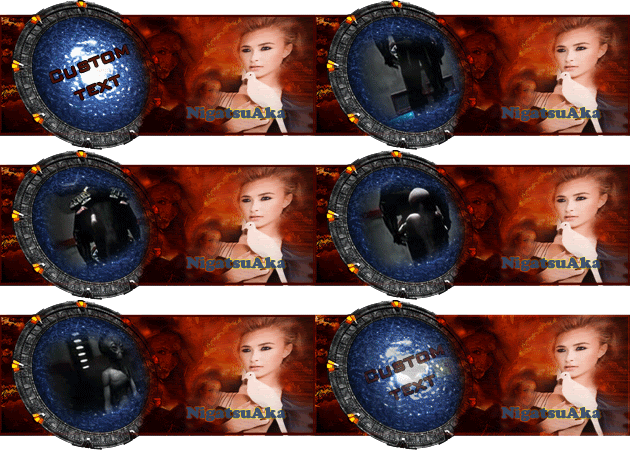
Details: Took me arround 6 hours. <_<
----------------------------------------
Bruzli sprite sig:
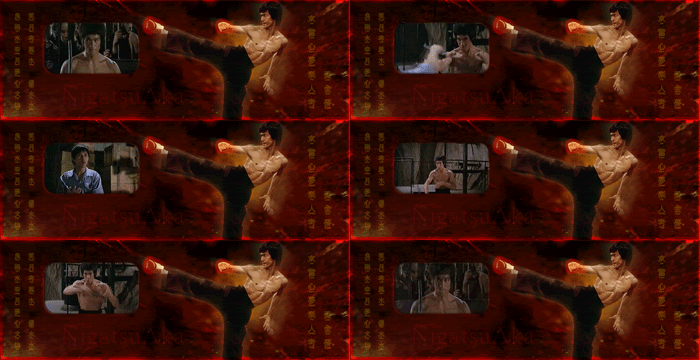
Details: Bruce Lee was rendered by me. The Clip is from: "Enter the dragon". This man is still a living legend after so many years from his death. He would kick the buts of all the action heroes from todays movies.
----------------------------------------
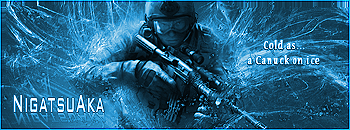
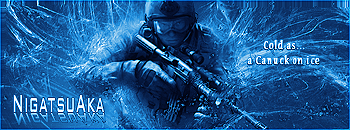
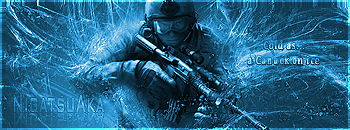
Cold as...: *sold - template no longer available

Details: Made for Noobert. Here are some other variations of it:
[spoiler]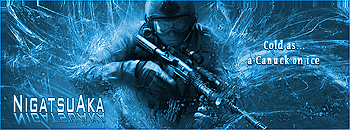

 [/spoiler]
----------------------------------------
Sammael:
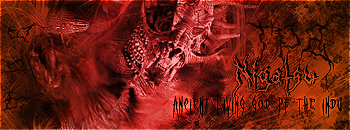
Details: A very bad render turned into an awesome sig.
----------------------------------------
conFUSION:
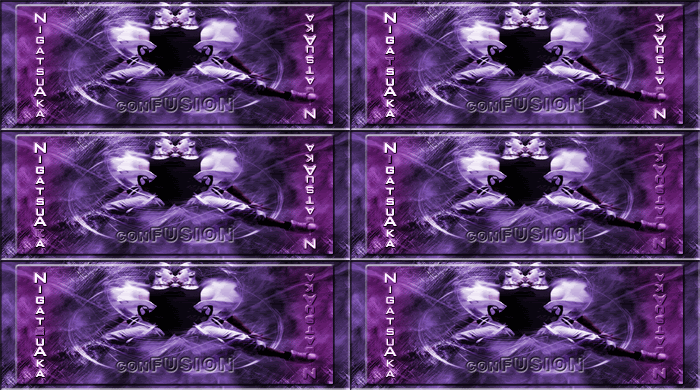
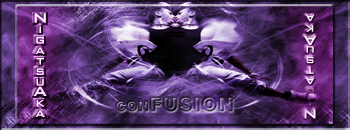
Details: I tried to spice up a bit the boring random stock render for SOTW2 on these forums.
----------------------------------------
The Hitman:
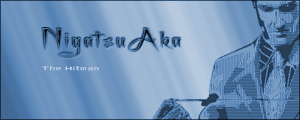
Details: Made from pixels and patterns (render from planetrenders).
----------------------------------------
BW:
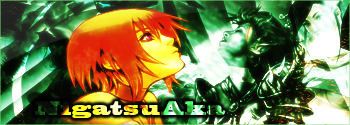
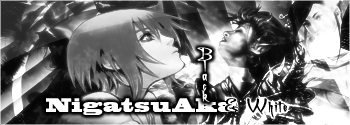
Details: Some nice blending techniques applied here.
----------------------------------------
Vigilonte:
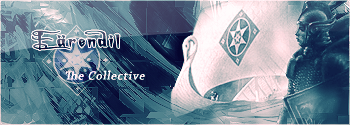
Details: Made as a request for Earendil. *sold this is unique, no other sig will be made like this
----------------------------------------
Detroit Red Wings:
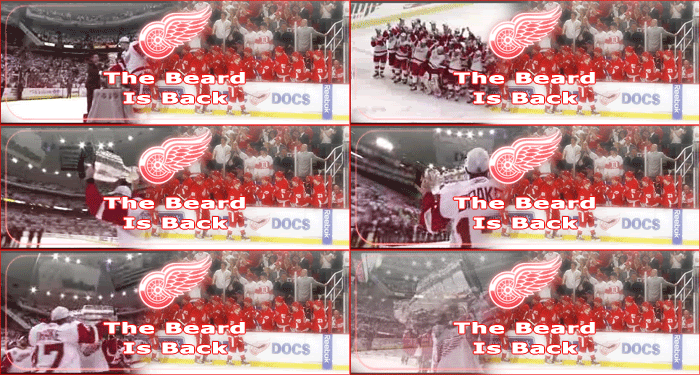
Details: Made as a request for Earendil. *sold, but can make similar sig, just mention what you want it them*
----------------------------------------
If someone likes a template from these and wants a similar sig, let me know.
Here`s what i made so far.
All critics apreciated.
Freestyle:
Details: render from somewhere on google... background by myself.
----------------------------------------
Sokars revenge:
Details: The ships, Sokar and the rocks of the asteroids have been rendered by myself from different images from google. The planets and the space scenery have been created by myself and where inspired after 2 photoshop tutorials: the planet tut from this forum, the impact of the planets after another tutorial.
Here`s the enlarged space scenery (the initial scenery is 1500x1000 pixels wide and didn`t had the motherships battle in it):
[spoiler]
[/spoiler]----------------------------------------
Born Assassin:
Details: Made entirely from scratch. The character and the katana under the name were rendered by me from 2 images from the japanese movie: Azumi. Azumi is a female assassin raised from the childhood and trained to become an assassin to kill the emperor. It is played by the japanese singer and actress Aya Uetsu.
----------------------------------------
Aeon:
Details: Made entirely from scratch, except for the 2 Charlize Theron images from the movie Aeon Flux.
Brunette Charlize ftw...
----------------------------------------
Haydens meets the lost tribe... lol:
Details: Took me arround 6 hours. <_<
----------------------------------------
Bruzli sprite sig:
Details: Bruce Lee was rendered by me. The Clip is from: "Enter the dragon". This man is still a living legend after so many years from his death. He would kick the buts of all the action heroes from todays movies.
----------------------------------------
Cold as...: *sold - template no longer available
Details: Made for Noobert. Here are some other variations of it:
[spoiler]
[/spoiler]----------------------------------------
Sammael:
Details: A very bad render turned into an awesome sig.
----------------------------------------
conFUSION:
Details: I tried to spice up a bit the boring random stock render for SOTW2 on these forums.
----------------------------------------
The Hitman:
Details: Made from pixels and patterns (render from planetrenders).
----------------------------------------
BW:
Details: Some nice blending techniques applied here.
----------------------------------------
Vigilonte:
Details: Made as a request for Earendil. *sold this is unique, no other sig will be made like this
----------------------------------------
Detroit Red Wings:
Details: Made as a request for Earendil. *sold, but can make similar sig, just mention what you want it them*
----------------------------------------
 Awesome..





 [/spoiler]